Submitting a Requisition
-
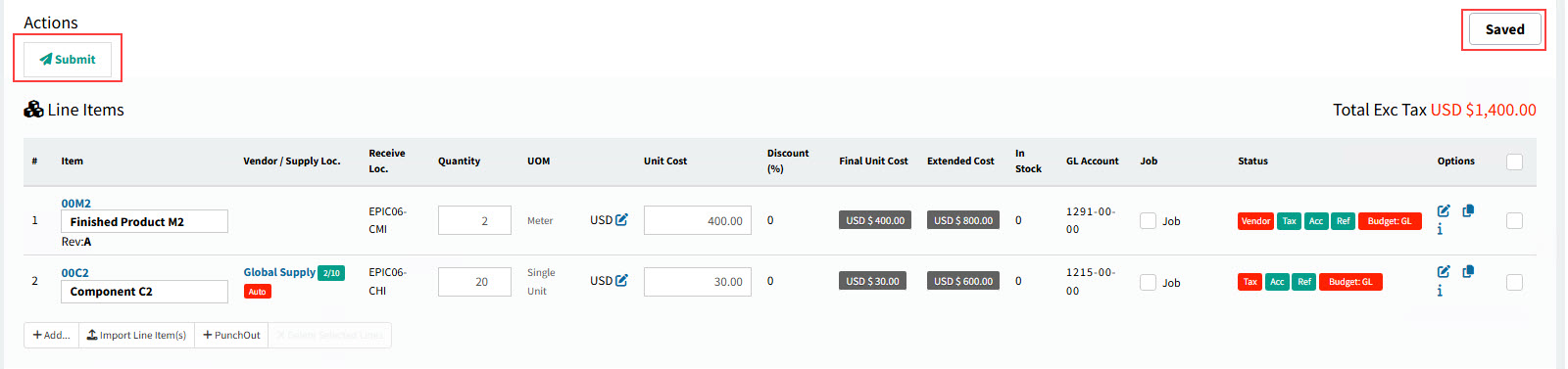
Click Submit in the Actions section.
|
Suspended Requisitions
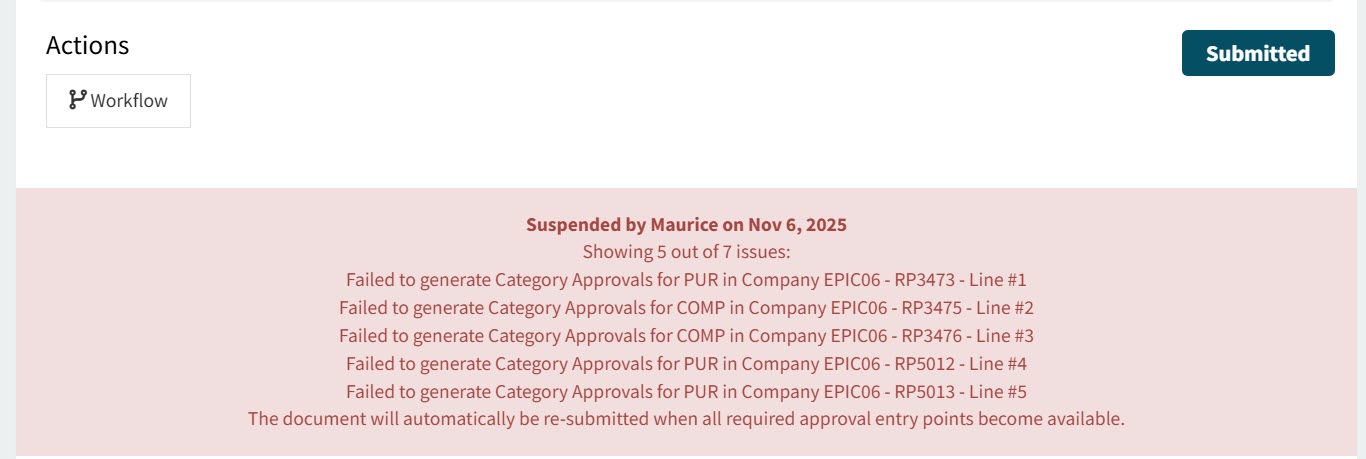
When a submitted requisition is suspended, a message panel appears on the document showing the reason(s) one or more lines caused the suspension. The suspension of up to five lines are displayed. If there are more than five lines suspended, the total number appears in the header.
Example of a suspended requisition: