Sending AP Invoice for Review
You can send an AP Invoice for review by one or more reviewers.
-
Open an AP Invoice.
-
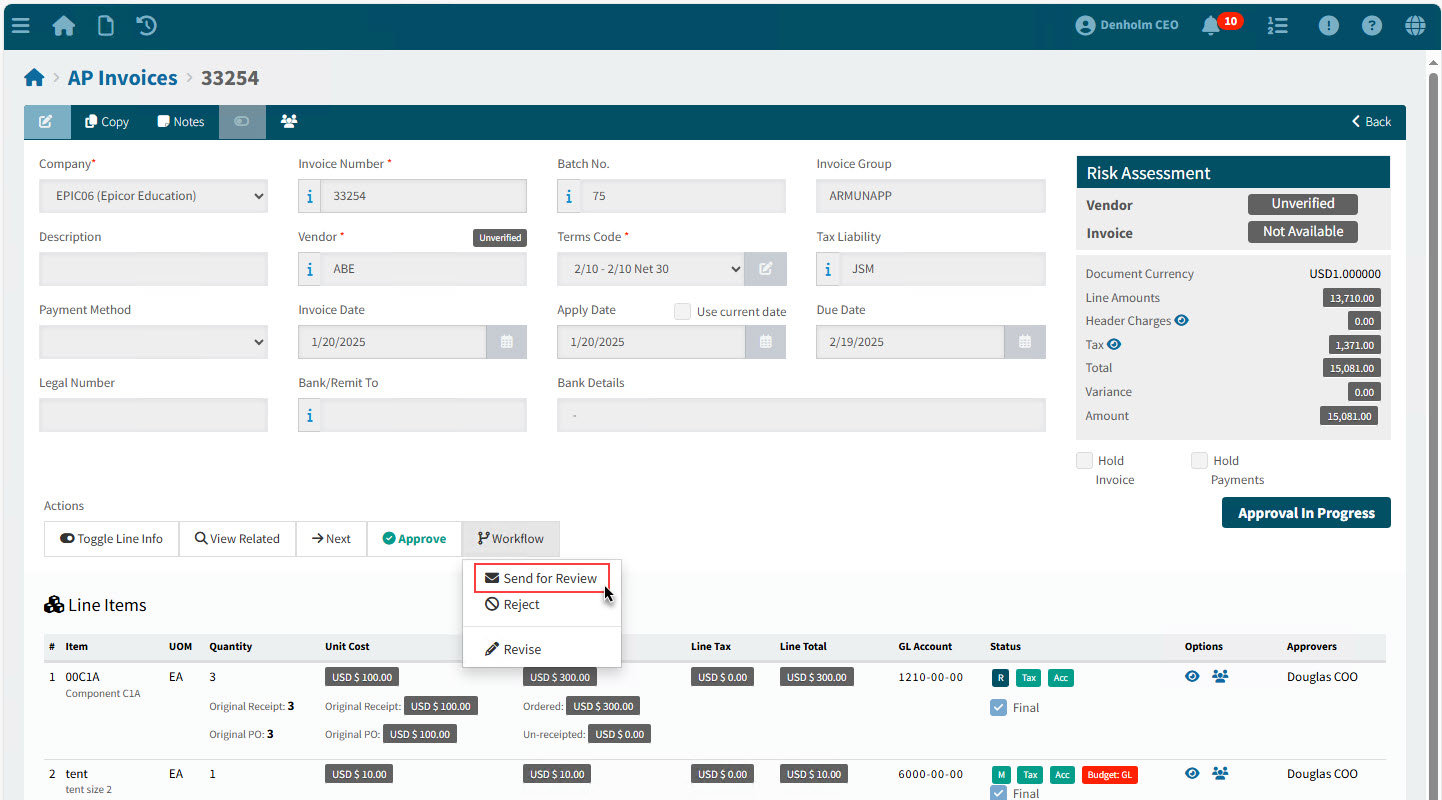
Select Send for Review from the Workflow menu in the Actions section.
Details
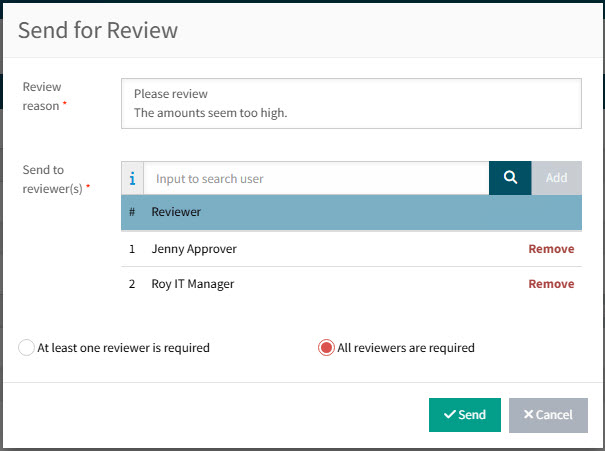
The Send for review pop-up appears.
-
Optionally update the Review reason.
-
Select and Add one or more Send to reviewer(s) from the drop-down list.
These are users with the permission Review AP Invoices.
-
Optionally select All reviewers are required.
-
Click Send.
If a reviewer fails validation, click OK.
Example
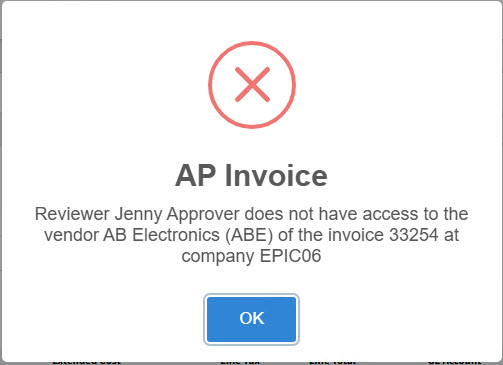
You will need to go through the Send for Review steps again.
-
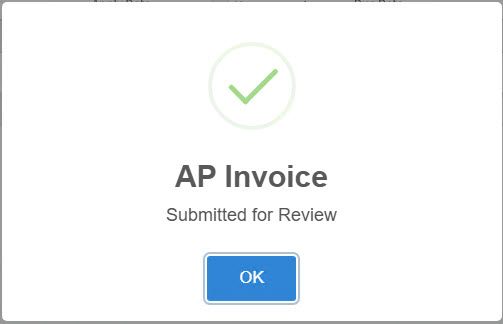
When the AP Invoice is successfully sent for a review, click OK on the pop-up notification.
AP Invoice Submitted for Review
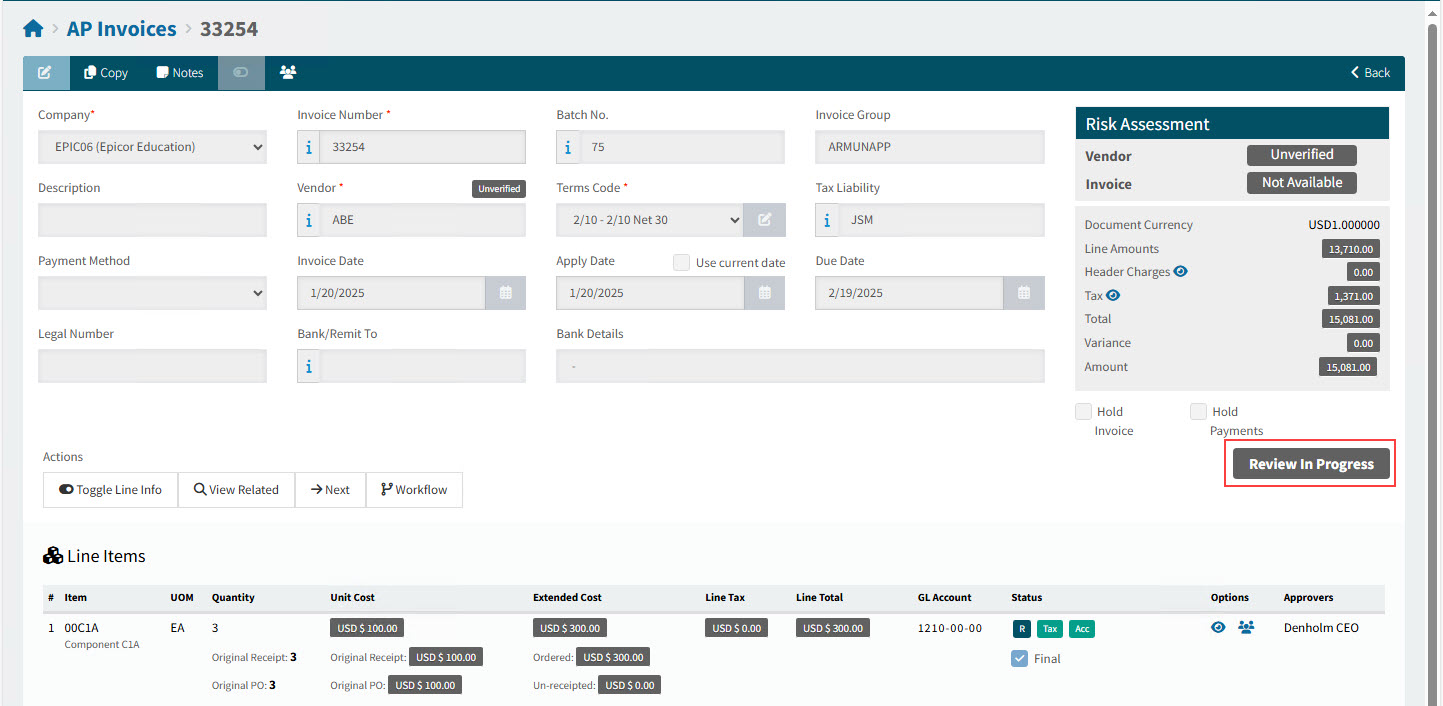
The Status changes to Review In Progress.