Re-submitting an AP Invoice
After revising or reviewing an AP Invoice, you can re-submit an AP Invoice.
-
Click Re-submit in the Actions section.
View Example
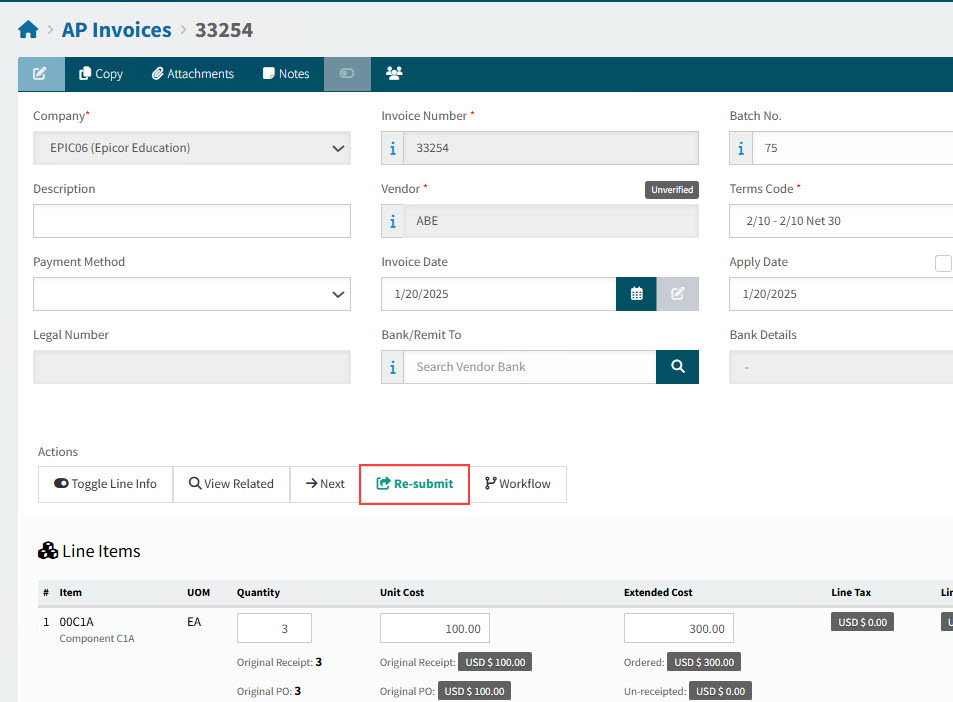
-
If there are errors or warnings:
-
Click OK to continue.
-
Attend to any errors or warnings.
-
-
Click Re-submit again, if necessary.
-
When the AP Invoice successfully re-submits, click OK on the AP Invoice - Submitted pop-up.
Details
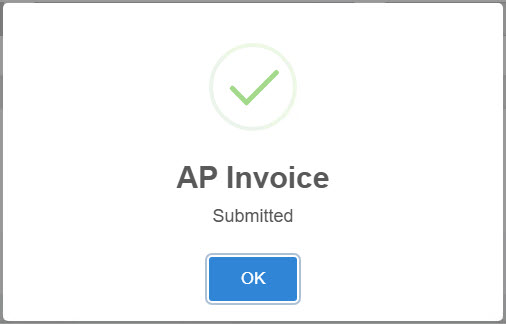
The AP Invoice is re-submitted.