Deleting Draft Invoices
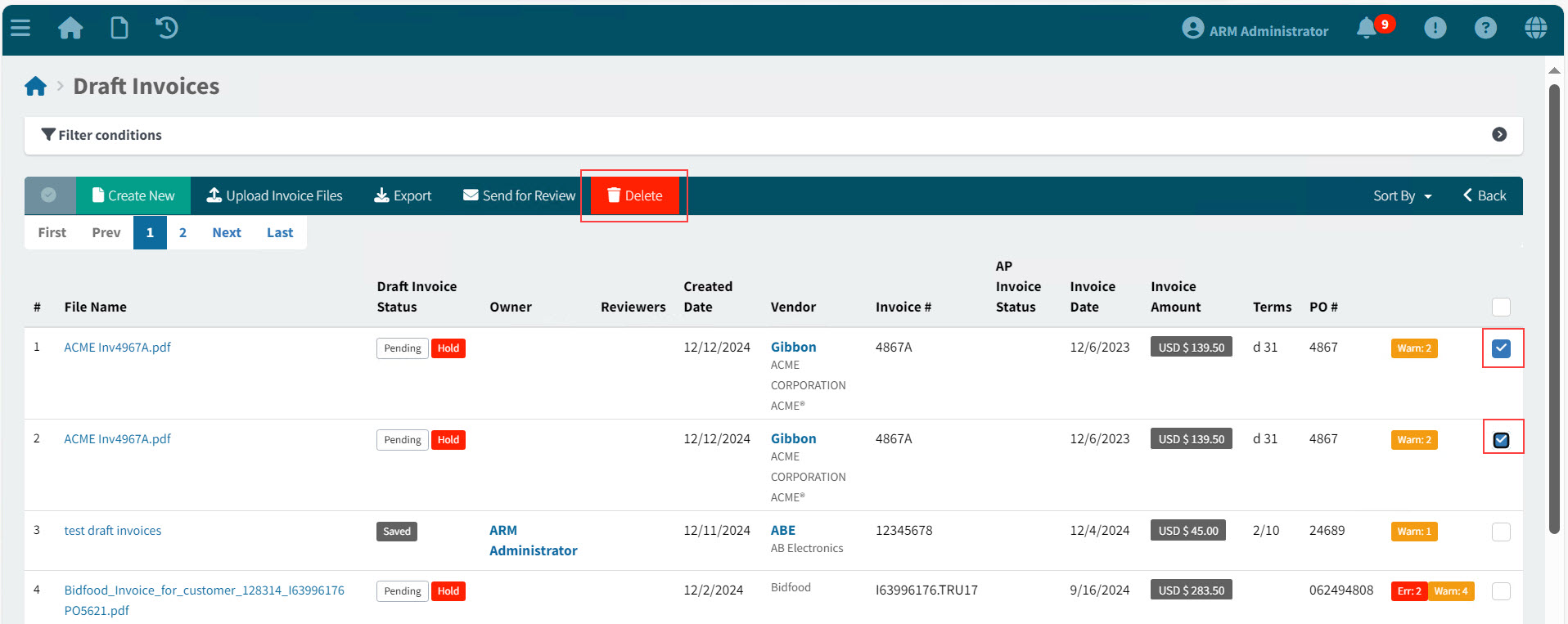
To delete one or more Draft Invoices from the Draft Invoices summary page:
-
Select one or more rows to delete, using the check boxes to the right of each row.
-
Click Delete on the Menu Bar.
-
Click Yes on the Confirmation Dialogue.
The selected Draft Invoices are deleted.
To delete a Draft Invoice from the Draft Invoices > [File Name] page:
-
Select Delete on the Footer Menu.
-
Click Yes on the Confirmation Dialogue.
The selected Draft Invoice is deleted.