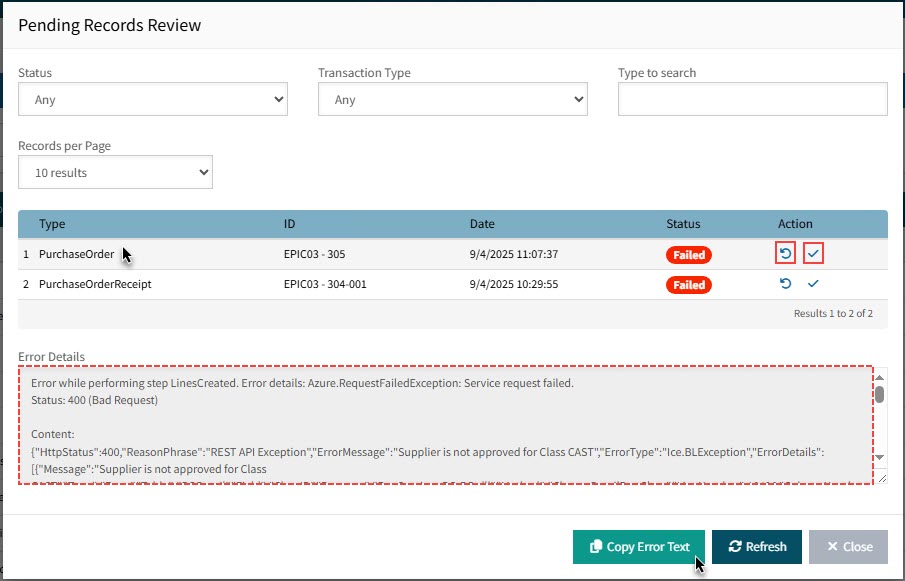
Error Management in ARM Integration Manager
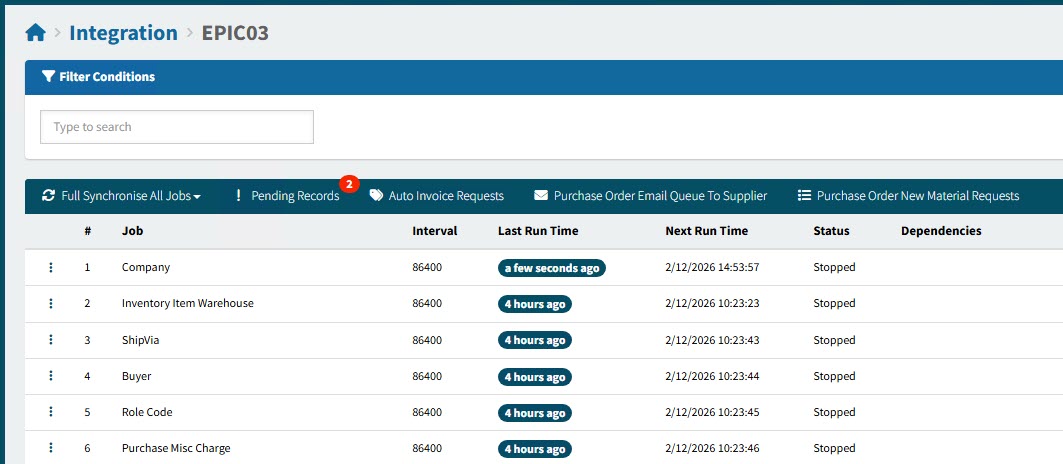
To investigate errors or hold-us with integration, first look at the Pending Records.
Pending Records Review
-
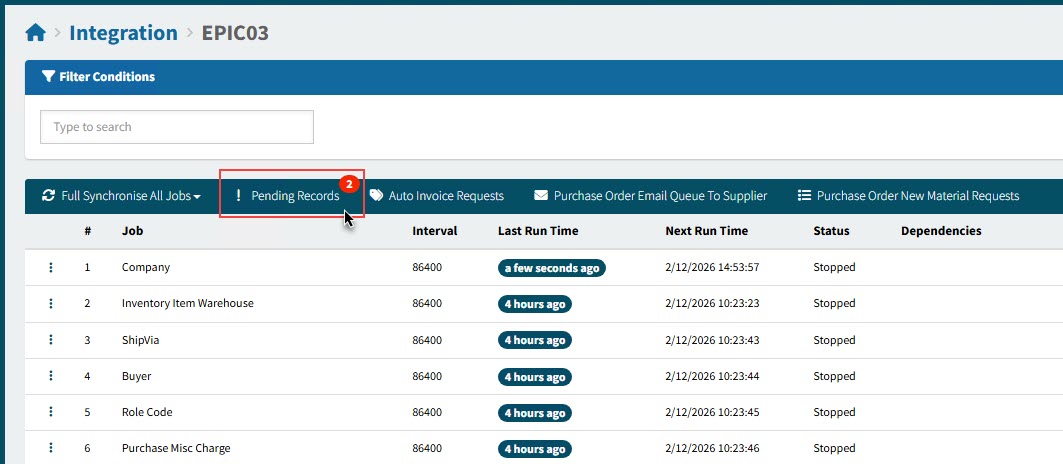
Click Pending Records on the Menu Bar.
Details
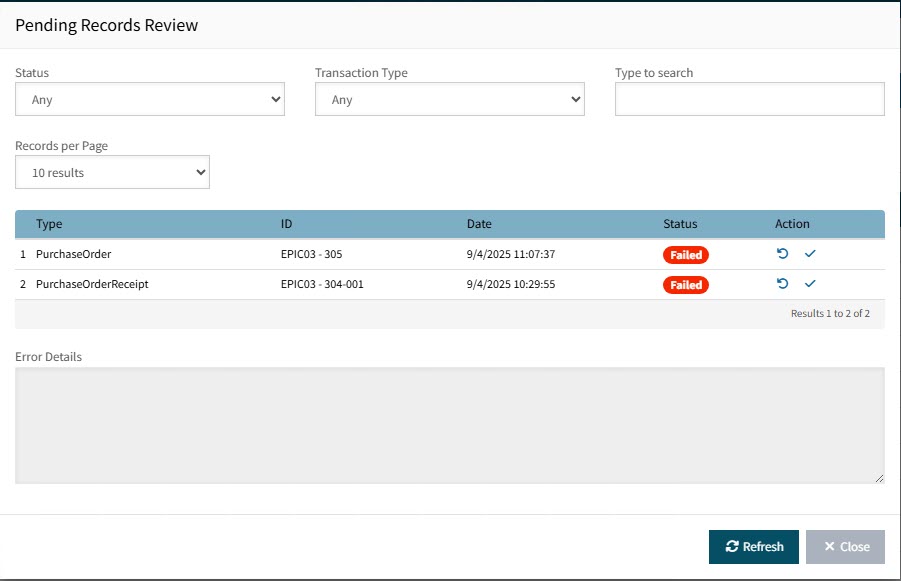
This opens the Pending Records Review pop-up.
-
To see error details for a record type, click on the row.
The Error Details panel appears, with the full error message.
-
You can then Copy Error Text to copy the full text to your clipboard, then paste it into an editor or email.
-
Under the Actions column, you can click Retry
 to retry the record integration or click the Check
  to mark the record as integrated.
Details