Product Tax Category
Product Tax Category is maintained in Kinetic and integrated into ARM, where it is used across the system.
The Tax Liability and the Product Tax Category combination determines the final taxes and rates for a transaction.
Permissions
You require a role with the Maintain Settings permission to access Product Tax Category.
See Permissions in ARM.
-
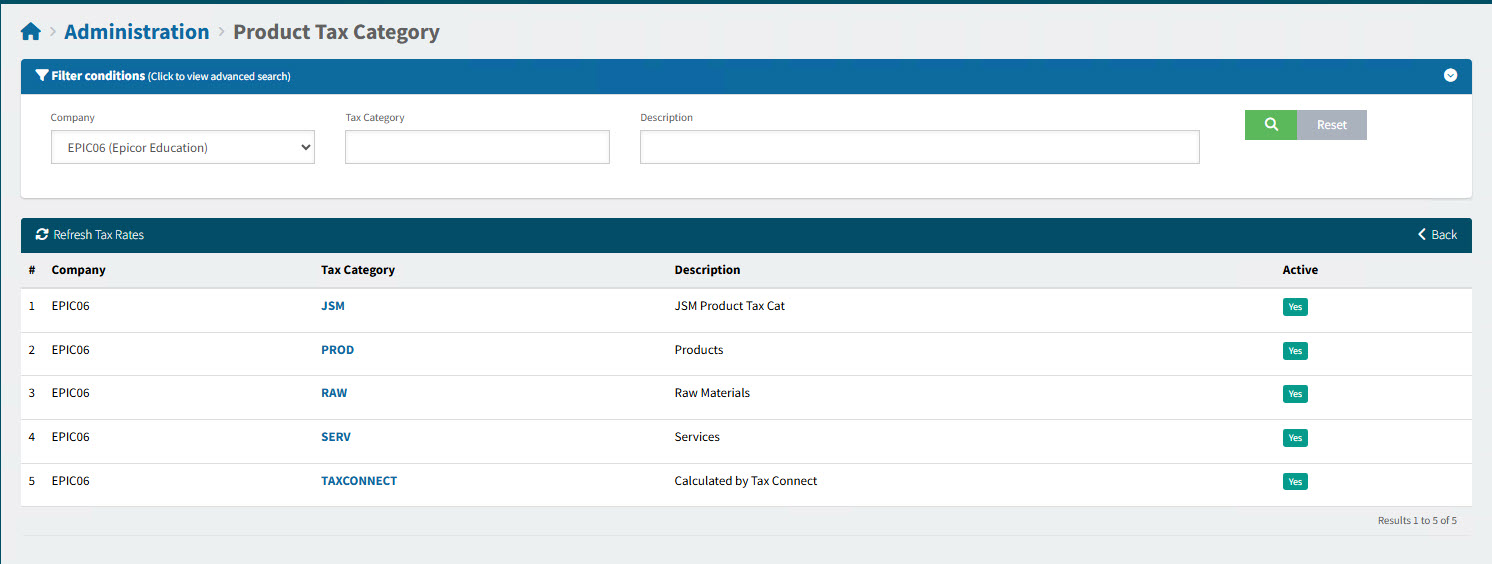
Select the Product Tax Category menu item on the Administration Page. See Administration Page.
The Administration > Product Tax Category page displays.
-
Click on a Tax Category to view the detail for the code.
This opens the Administration > Product Tax Category > [Tax Category] page.
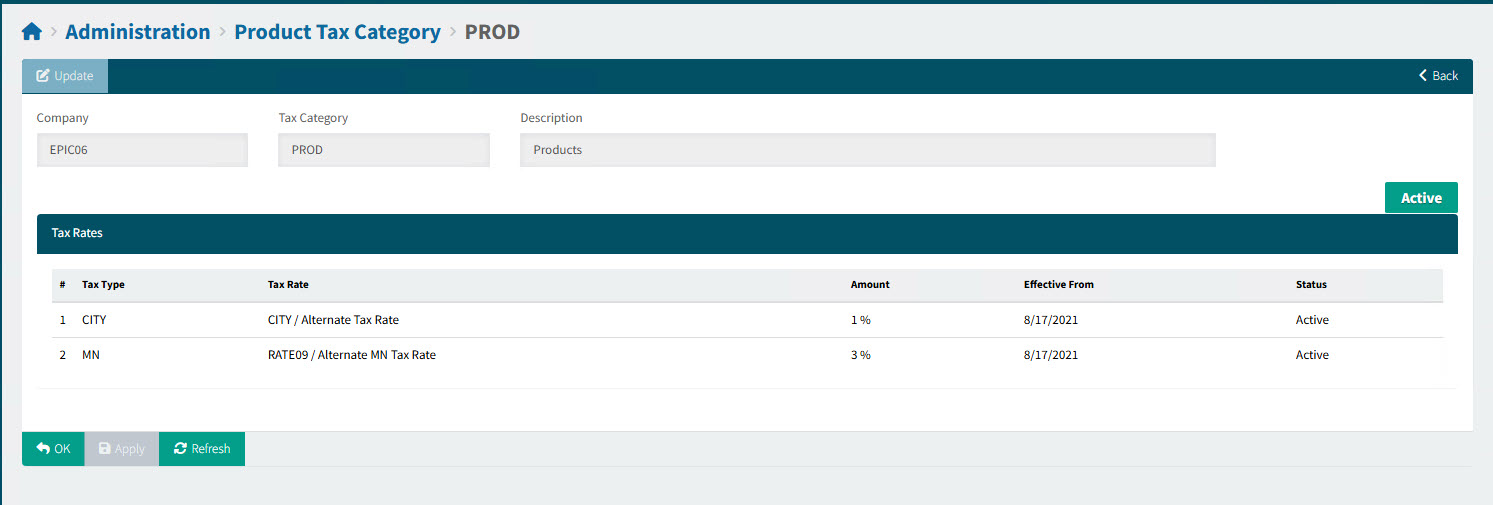
A Product Tax Category has a list of Tax Rates, each with an Effective From date, percentage Amount, and a Status flag.
The Product Tax Category also has a status flag of Active or Inactive.
| Catalogue items can have a Tax Category assigned. This will be the Tax Category used for that item, for example in a requisition. See Catalogue. |